No Image Selected
Upload an image from the sidebar to start adding geotags, location, and timestamps to your photos.
Ready to edit
Upload an image from the sidebar to start adding geotags, location, and timestamps to your photos.
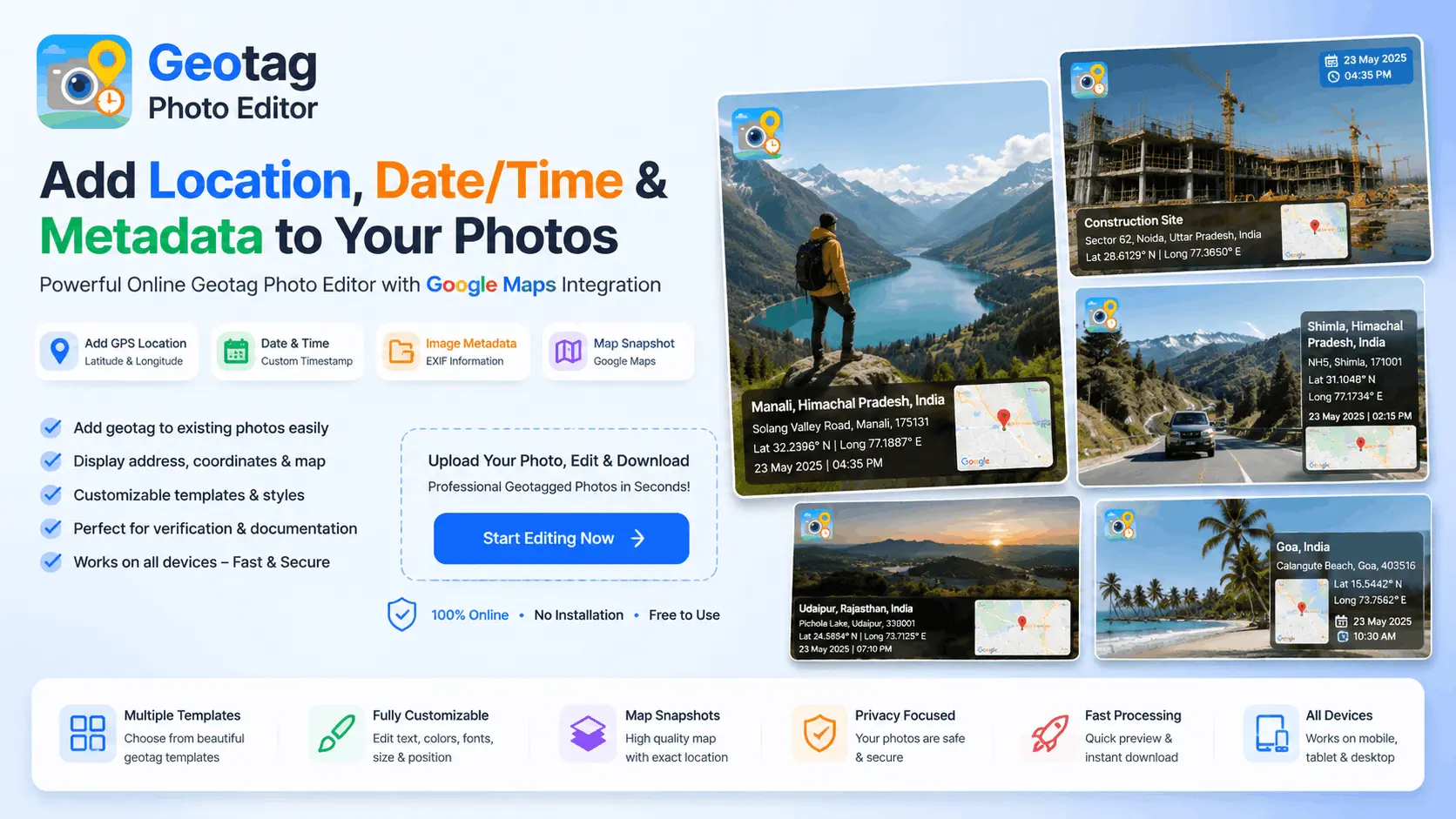
Welcome to Geotag Photo Editor, a powerful online tool that helps you geotag photos online with GPS coordinates, map location, address details, and timestamps. Whether you need geotagged images for site verification, project documentation, inspections, surveys, real estate, travel memories, or personal records, our editor makes the process fast, simple, and professional.
A geotag photo is an image that contains location information such as latitude, longitude, address details, and date & time data. Geotagging provides proof of where a photo was taken and helps organize images based on location.
With our Geotag Photo Editor, you can easily create professional geotagged photos by adding map snapshots, GPS coordinates, location names, addresses, and timestamps directly onto your images.
Our browser-based tool allows you to geotag photos online without installing any software. Simply upload an image, select a location on the map, customize the address and timestamp, preview the result in real time, and download your edited photo instantly.
If you are looking for an easy way to add geotag to photo online, our editor provides a simple step-by-step workflow:
One of the most common questions users ask is how to add geotag to existing photos.
Our editor is designed specifically for this purpose. Even if your photo was originally captured without GPS information, you can upload it and manually add location details, map information, addresses, and timestamps.
This feature is useful for:
Our Geotag Photo Camera Location tool allows users to add professional location overlays similar to GPS camera applications.
You can include:
Geotagging photo records location and time information directly on the image, making it useful for verification and professional documentation.
Many professionals use geotagged photos for:
Need to add GPS location to photo or include coordinates?
Our editor allows you to display:
Many users want to know how to edit date in geotag photo.
With Geotag Photo Editor, you can manually select the date and time before generating the final image. This allows you to update the displayed timestamp and create properly documented photos when required.
Whether you need to add geotag to existing photos, create professional location-based documentation, or simply preserve travel memories with GPS information, Geotag Photo Editor provides everything you need in one easy-to-use platform.
A geotag photo is an image that contains location information such as GPS coordinates, address details, date, and time. Geotagging helps identify where and when a photo was taken.
You can geotag photos online by uploading an image, selecting a location on the map, adding address details and timestamps, and downloading the edited photo with location information.
Yes, Geotag Photo Editor allows you to add GPS location, map details, and timestamps to photos directly from your browser without installing software.
Upload your existing image, select the desired location on the map, customize the address and timestamp, preview the result, and download the geotagged photo.
Yes. You can add latitude and longitude coordinates to any image and display them directly on the photo.
Yes. You can manually select any location on the map and generate a new geotagged image with updated location information.
You can select a custom date and time before generating the final image, allowing you to update the displayed timestamp.
Yes. The editor can include a map preview with a location marker as part of the photo overlay.
You can add:
Yes. Geotagged photos are commonly used for construction projects, surveys, inspections, government work, and site verification purposes.
Yes. Geotag Photo Editor is fully responsive and works on Android phones, iPhones, tablets, laptops, and desktop computers.
No. The tool works directly in your web browser without requiring any software installation.
Yes. You can upload any existing image and add location information even if the original photo does not contain GPS data.
Most common image formats such as JPG, JPEG, PNG, and other popular photo formats are supported.
Yes. Many users create geotagged photos for attendance records, field work, inspections, surveys, and project documentation.
Photos are processed within your browser whenever possible. Please refer to the Privacy Policy for complete details regarding data handling.
Yes. You can search for a location or manually place the marker on the map to use any desired location.
GPS metadata is embedded inside the image file, while geotagging can also display location, address, map, date, and time information directly on the photo.
Yes. You can manually choose any location on the map and generate a geotagged image.
Geotag Photo Editor provides a fast, easy, and professional way to add GPS location, map snapshots, timestamps, and address information to photos online without installing any software.

